

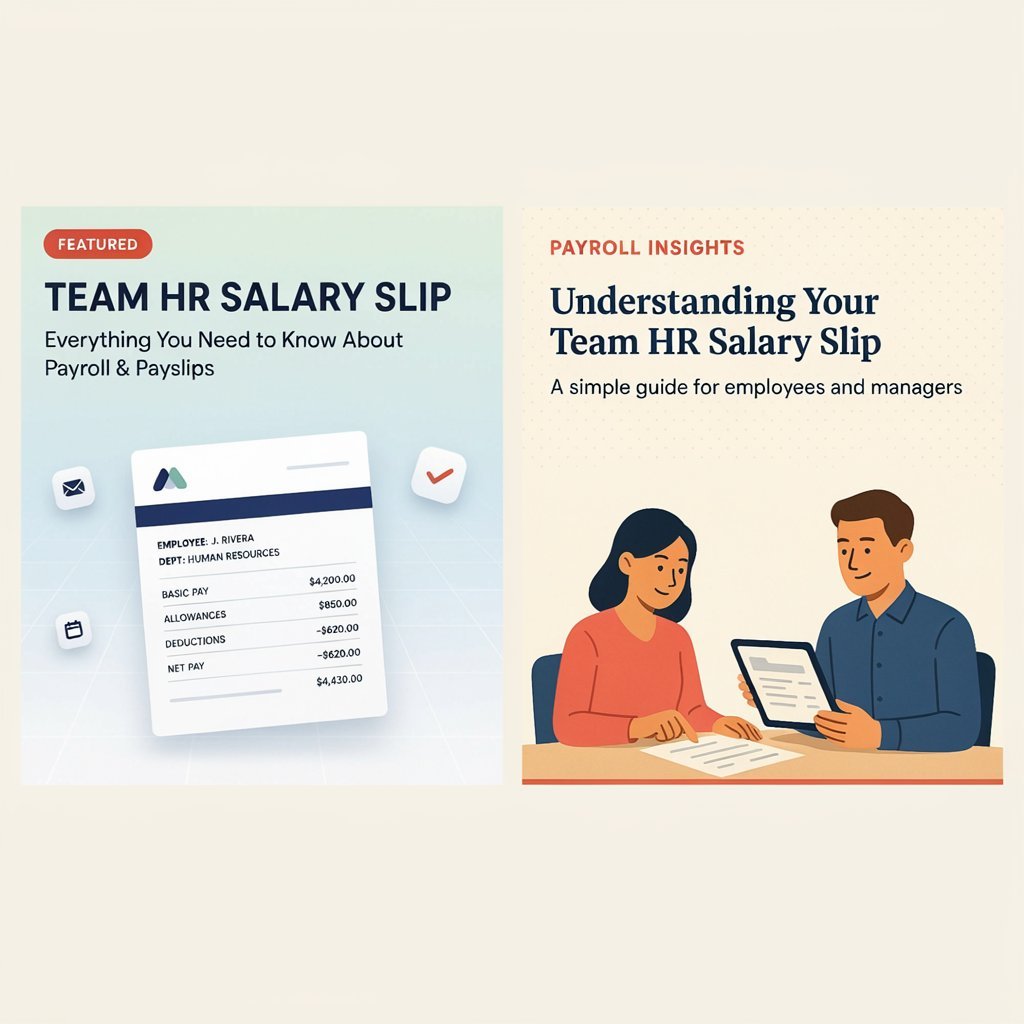
Employees often need their monthly salary slip to check earnings, deductions, employment records, or financial documentation. Team HR provides an employee-facing mobile application that allows eligible employees to access their HR information and salary slips.
The application is intended for Team HR employees whose mobile numbers are registered in the company’s HR system. This guide explains the app’s salary-slip feature, login requirements, available information, and steps to take if you cannot access your payslip.
What Is Team HR Salary Slip?
A Team HR salary slip is a payroll document that eligible Team HR employees can access through the organization’s HR application.
According to the Team HR app’s Google Play listing, the application provides access to:
- Latest salary slips
- Previous salary-slip records
- Personal employment information
- Important employee documents
- Company updates
- HR-related resources
The app is designed for internal employee use, not unrestricted public access.
Who Can Access the Payslip?
Access is intended for Team HR employees whose mobile numbers are registered with the company’s HR system.
Your ability to view salary documents depends on your employee profile and the access provided by the organization.
How to Download Team HR Salary Slip Online
Team HR’s official app listing confirms salary-slip retrieval functionality. However, it does not provide a complete, verified step-by-step walkthrough of every current app screen.
The following process is a general guide based on the app’s documented functionality. Screen names and navigation may vary.
Step 1: Install the Team HR App
Find the Team HR application on Google Play and verify that the developer and app details match the official listing.
Official app listing: Team HR on Google Play
Step 2: Open the Application
Launch the app on your mobile device.
The application is designed for Team HR employees, so you need an eligible employee profile.
Step 3: Use Your Registered Mobile Number
The app’s description states that employees can log in using their registered mobile numbers.
Enter the required login details according to the app’s current authentication process.
Step 4: Find the Salary Slip Section
After successful login, look for the salary, payroll, payslip, or employee documents section.
The exact menu name should be confirmed through your current app interface.
Step 5: Select the Required Salary Slip
If previous payslips are available, select the relevant month or document.
The app listing confirms access to current and historical salary slips, but does not specify the exact retention period.
Step 6: View or Save the Document
Use the available viewing or document-access options.
If a download option is unavailable, contact your HR department for the approved method of obtaining a copy.
Team HR Salary Slip: Information You May Need
A salary slip typically helps employees understand their payroll, but the exact information shown in Team HR’s current payslip format has not been independently verified.
Ask your HR department whether your document includes the following:
| Salary Information | Purpose |
| Employee name | Identifies the employee |
| Employee ID | Links the document to the employee record |
| Salary month | Identifies the pay period |
| Basic salary | Shows the applicable base pay |
| Allowances | Lists eligible additional earnings |
| Gross salary | Total earnings before deductions |
| Deductions | Shows applicable payroll reductions |
| Net salary | Amount payable after deductions |
Note: This is a general salary-slip information checklist, not a confirmed list of fields in the Team HR app’s current format.
Team HR Payslip Login Requirements
Before attempting to access your document, check the following:
- Your employment with Team HR is active.
- Your mobile number is registered in the HR system.
- You have access to the official application.
- Your login details are correct.
- Your salary document has been processed and made available.
The official app listing states that registered employee access is required.
Team HR Salary Slip Not Showing: Common Issues
Sometimes an employee may be unable to find a payslip after logging in.
1. Mobile Number Not Registered
The app requires a registered mobile number. Contact HR if your number has changed or has not been added to the system.
2. Payslip Has Not Been Uploaded
A salary slip may not be available until the payroll process is completed and the document is published through the system.
Confirm the document’s availability with your HR or payroll team.
3. Application Access Problems
If you cannot log in, check whether the application is updated and whether you are using the correct account details.
Avoid sharing your password or OTP with other people.
4. Incorrect Employee Information
If your personal or employment details are incorrect, contact HR through the company’s approved communication channel.
Team HR Salary Slip and Salary Deductions
A payslip can help employees understand their earnings and deductions. However, Team HR’s public app listing does not provide a verified standard salary structure or deduction schedule for all employees.
Actual deductions depend on the employee’s compensation, applicable laws, and company payroll policies.
Common Payroll Items in India
Depending on eligibility and employment conditions, payroll may include:
- Employee Provident Fund (EPF)
- Income tax / TDS
- Professional tax, where applicable
- Other authorized deductions
- Employer-specific benefits or recoveries
Do not assume that every employee has the same deductions.
For accurate information, check the deductions shown on your own payslip or ask your payroll department.
Team HR Salary Slip: Gross Salary vs. Take-Home Pay
Understanding the difference between gross and net salary helps you read payroll documents correctly.
| Term | Meaning |
| Basic salary | Fixed base component of pay |
| Gross salary | Earnings before applicable deductions |
| CTC | Employer’s stated total compensation cost, where applicable |
| Deductions | Amounts subtracted under applicable rules |
| Net salary | Amount payable after deductions |
The exact definition and calculation of each item should be confirmed using your employer’s payroll statement.
Benefits of Accessing Your Salary Slip Online
Digital payslip access can make employee record management more convenient.
1. Easy Document Access
Employees can retrieve salary documents through the designated HR application.
2. Previous Records
The Team HR app advertises access to salary-slip history, allowing employees to refer to earlier records.
3. Reduced Paperwork
Digital records can make it easier to maintain personal employment documentation.
4. Employee Self-Service
The application also provides personal information and employment-document access.
Availability depends on the employee’s account and the services enabled by the organization.
How to Keep Your Team HR Account Secure
Salary slips contain sensitive employment and financial information.
Follow these precautions:
- Use the official Team HR application.
- Do not share passwords or OTPs.
- Avoid entering credentials on unverified websites.
- Keep your mobile device protected.
- Contact HR if you notice incorrect employee information.
- Avoid sharing your payslip publicly without removing sensitive details.
The Google Play listing describes the application as an internal employee service with secure login functionality.

Team HR Salary Slip vs. Government Salary Portals
Team HR is an internal employee application, while government organizations may use separate HRMS and payroll platforms.
These systems should not be confused.
| Feature | Team HR App | Government HRMS |
| Intended users | Team HR employees | Employees of the relevant government organization |
| Access | Registered employee account | Department-specific credentials |
| Payslip availability | Through Team HR system | Depends on department portal |
| Salary structure | Employer-specific | Applicable government pay rules |
| Access support | Team HR HR/payroll team | Relevant department |
Government HRMS portals have their own procedures. For example, Punjab’s official iHRMS platform includes salary-slip access and other employee services.
Frequently Asked Questions
1. What is Team HR salary slip?
It is a salary document available to eligible Team HR employees through the company’s HR application. The app’s official listing confirms salary-slip retrieval and access to past earnings records.
2. Who can access the Team HR payslip?
The app is intended for Team HR employees whose mobile numbers are registered with the company’s HR system. Access is not described as a public service.
3. Can I download previous salary slips?
The official app listing states that employees can maintain a history of past salary slips. The exact download and retention options depend on the available application functionality.
4. What should I do if my salary slip is missing?
Check whether the relevant payroll period has been processed and contact your HR or payroll team if the document is unavailable.
5. Can someone else access my salary slip?
Access should be limited to authorized users. Do not share your login credentials, and contact HR if you suspect unauthorized access.
6. Is Team HR salary slip available without login?
The app is intended for registered employees, so you should not assume that salary documents are publicly accessible. Use the authorized employee access method.
Conclusion
Team HR provides an internal employee application for accessing salary slips and employment-related information. Employees should use their registered account and contact HR when documents or access details are unavailable.
For accurate salary figures, deductions, and document details, always refer to your own official payroll records.